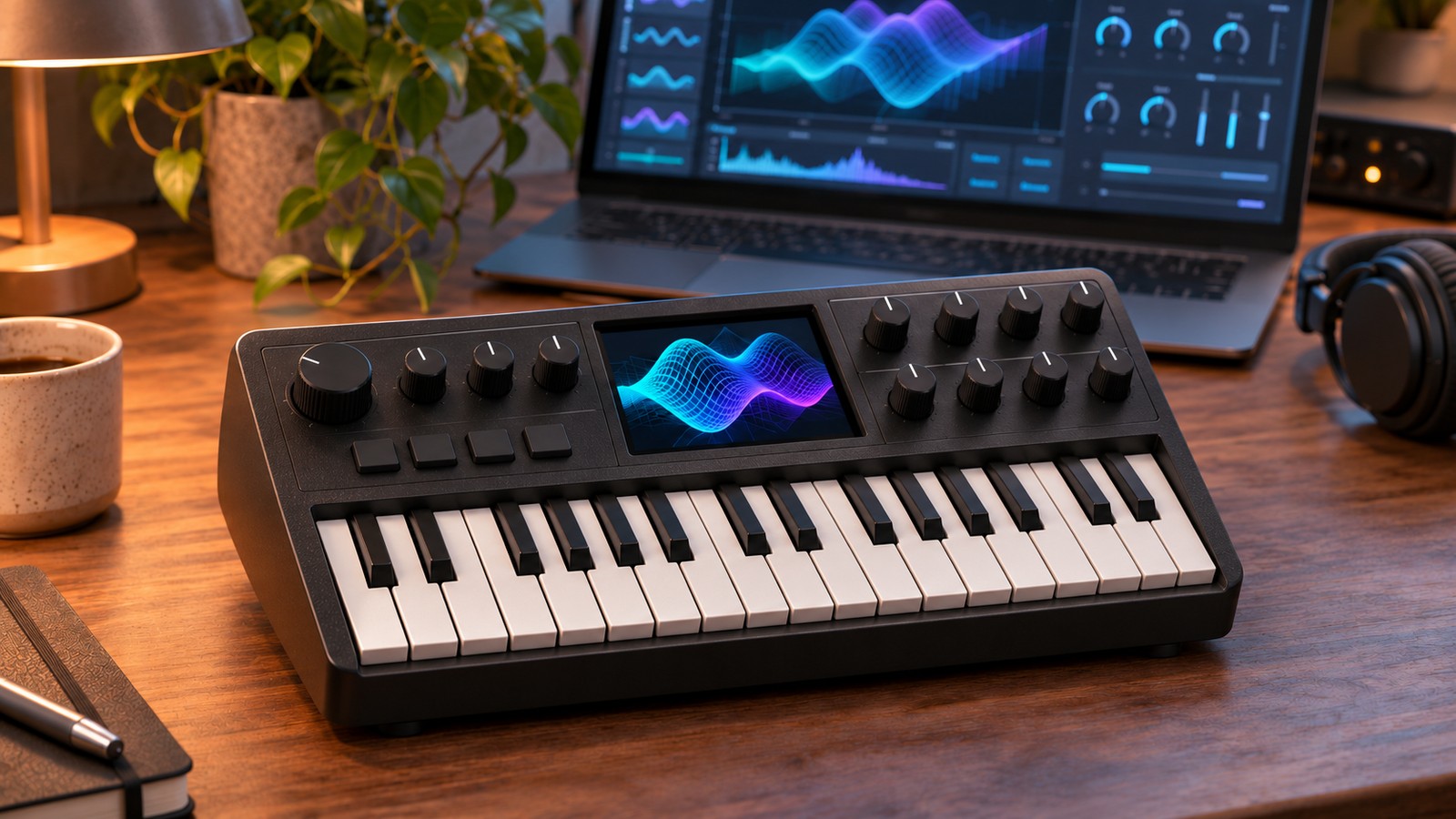
Xfer Records has released Shrub, a free, stripped-down version of Serum for the M-VAVE FM-1 mini synth, built by Serum's creator Steve Duda. The beta is available as custom firmware for the FM-1 and a browser synth and editor at shrub.audio that plays without any hardware. A VST3 version for macOS, Windows and Linux is coming soon.
Duda calls it "Serum's DNA on a box with a fraction of a laptop's power," and most of it is the real thing: Serum's wavetables, warps, filters and effects, plus Serum 2's arpeggiator and scales.
Xfer Shrub: firmware, browser editor and VST3
- On the FM-1: the firmware replaces M-VAVE's own, draws wavetables in 3D on the FM-1's small screen and receives USB MIDI and TRS MIDI input, including MPE and MIDI clock. MIDI output is over USB; the TRS jack does not send MIDI.
- In a browser: the Shrub editor shows every parameter at once, laid out like Serum 1, and plays in any modern browser without an FM-1. Connect one and it becomes a live, two-way editor and librarian. You can also run the whole FM-1 firmware in an emulator.
- In your DAW: the forthcoming VST3 uses the same editor and engine, sample for sample.
Xfer Shrub engine: Serum oscillators, filters and effects
Shrub's two wavetable oscillators draw on 64 built-in tables, including Serum 2's and a Serum 1 pack, plus an additive table built from 24 harmonics and your own WAV imports.
- Warps: Serum's own modes, from sync, bend and PWM to FM, AM and RM
- Unison: up to 8 voices per oscillator, with detune, blend and stereo width
- Sub and noise: a sub oscillator with six shapes and noise in five colours
- Filter: 76 Serum filter types, from the SVFs and MG Lows to the ladders, French LP, combs, flangers and phasers
- Effects: a seven-slot rack of Serum 1's effects with DSP ported straight from Serum, including Hyper/Dimension, Distortion, Delay, Reverb and a Compressor with OTT
Modulation comes from three envelopes with Serum's curves, four drawable LFOs, two Serum 1 chaos sources (Lorenz and Rössler), a 16-slot matrix with aux sources and curves, and four macros.
Serum 2 arp and scales, plus a motion sequencer
From Serum 2 come the algorithmic arpeggiator with 19 patterns, 51 scales and voice control, which steps each new note through up to eight pan and tune positions. A chord mode turns the keys into a chord player, and per-note random nudges cutoff, tuning, pan and volume. An eight-lane motion sequencer records knob moves and notes in loops of up to 128 bars, and the 100 factory presets leave 28 slots free for your own.
Shrub vs Serum: one filter, four notes
The big difference is the filter. Shrub has one paraphonic filter shared by every note, where Serum gives each voice its own. A single note sounds just like Serum, but chords share one cutoff and one ENV 2 sweep, and a resonant filter rings with the loudest note. Sharing it frees enough CPU for Serum 2's more demanding types, such as the ladders and combs.
Modulation is shared too: ENV 2, ENV 3, the LFOs and chaos act on all notes together. Shrub plays up to four notes at once from a 16-voice pool, so thick unison patches play fewer notes, and unison tops out at eight voices against Serum's 16. LFOs 5 to 8, sample and granular oscillators and spectral features are left out.
Serum 1 preset import and Serum 2 export
The editor imports Serum 1 .fxp presets, singly or a folder at a time, and browses Serum 1's factory presets without Serum installed. After an import, it lists anything it couldn't translate. Export to Serum2 writes a .SerumPreset with the wavetables inside, minus the arp, scale, voice control and per-note random. Serum 2 presets can't be imported.
Xfer Shrub install on the M-VAVE FM-1
Installing takes about two minutes over USB, with no drivers or apps: open shrub.audio/editor/install in Chrome or Edge (Safari and Firefox lack Web MIDI), pick the latest version, press Install and allow MIDI access. Updates keep your user presets and wavetables.
It's fully reversible: the installer never touches the FM-1's boot code, so M-VAVE's own updater can restore the stock firmware at any time. Recovery and troubleshooting steps are in the Shrub Operation Guide.
Xfer Shrub VST3 for macOS, Windows and Linux
The forthcoming VST3 is 1:1 in sound with the firmware. Every parameter can be automated, and your DAW saves the sound, wavetables, library and MIDI map with the project. The SEQ tab isn't in the plugin yet, and it doesn't connect to an FM-1 or update firmware.
The plugin runs the FM-1's own bytecode to preserve sound compatibility, at the cost of CPU efficiency. Its main role is an editor and librarian inside a DAW, though it also works as a software instrument.
Xfer Shrub price and availability
Shrub is a free beta. The FM-1 firmware, currently V1.07, and the browser editor are out now at shrub.audio, with Chrome or Edge needed only to install firmware or connect an FM-1. The VST3 for macOS, Windows and Linux runs the same engine, with downloads coming soon.
More information: shrub.audio