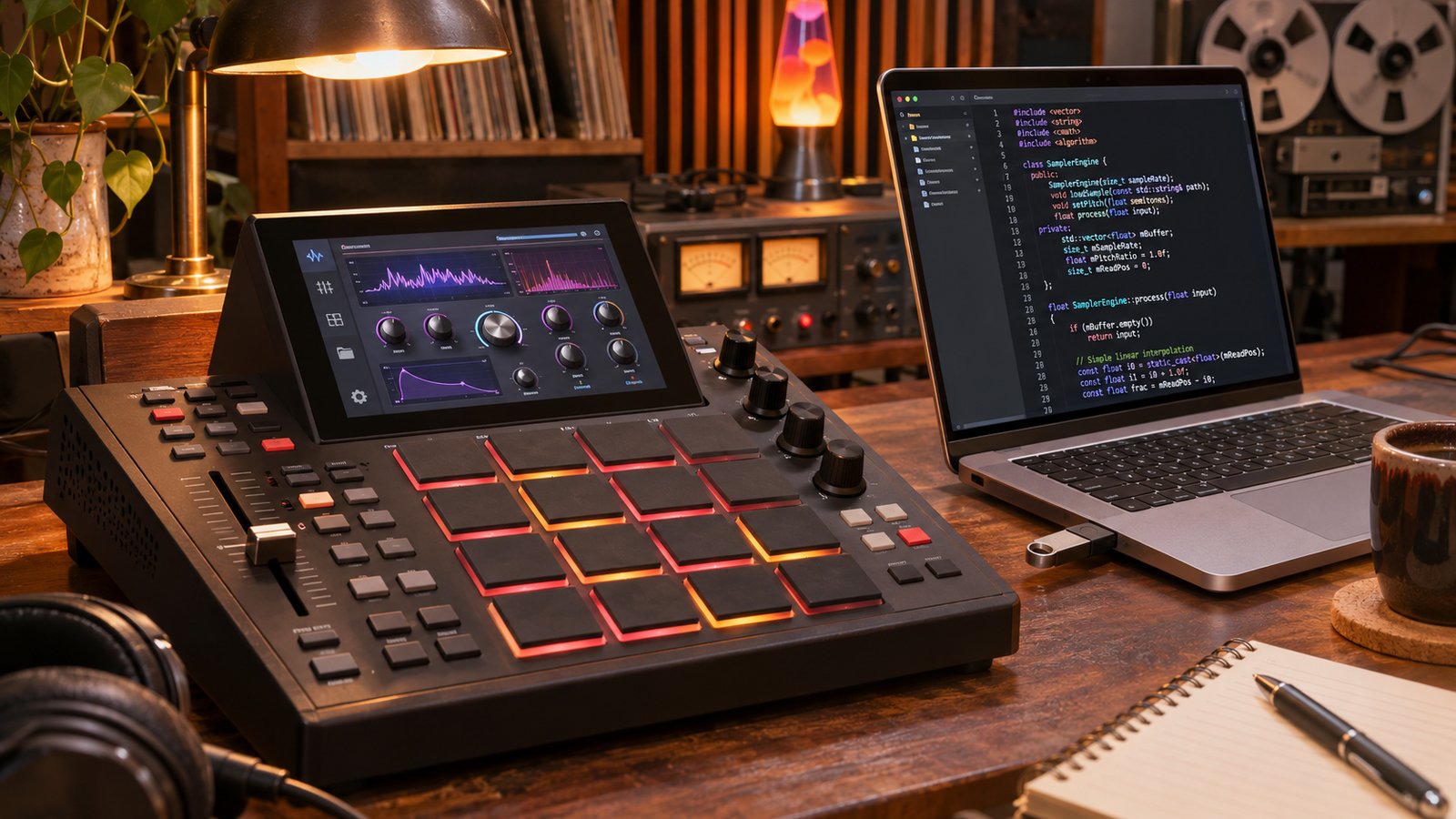
Akai Professional has released MPC OS 3.10.1, and its headline feature is the MPC Plugin SDK: a free, experimental kit for building your own instrument and effect plugins for standalone MPC and Force hardware. You can write the code yourself, or describe the plugin in plain language and let an AI coding agent write it. The MPC Sample gets its own update to firmware 1.4, with a separate official SDK for building custom effects.
It's a measured answer to a fast-moving modding scene, closer to Korg's 'logue and Nu:Tekt approach than a full open-source release. MPC OS itself isn't open source yet, though Akai CTO Pete Goodliffe has said it will be opened later.
How the MPC Plugin SDK works
The SDK is on GitHub as the MPC Plugin Builder SDK and is MIT-licensed. Each plugin is a Linux shared library that uses the VST 2.4 binary interface. The interface is a clean-room implementation, with no Steinberg code. A plugin folder holds a plugin.json manifest, the C++ source and optional JSON skins that define the touchscreen UI and the 16 hardware knobs. There are no plugin windows: the UI is pure data.
You declare parameters and write a process() function in a header-only C++ framework, and builds target 32-bit and 64-bit ARM. You need Python 3.9 or newer on macOS, Windows or Linux. The Zig cross compiler downloads on first build, or you can use your own GNU toolchain or Docker. Finished plugin folders go in a "VST2 Plugins" folder at the root of a USB drive, SD card or internal drive.
The repo also ships a host simulator for testing on your computer, a validator, a packager, a network install tool, a UI kit of film-strip knobs and switches, and example plugins: SimpleSynth, StereoDelay and DrumSynth.
MPC Plugin SDK with an AI coding agent
AI help is optional but built in. Open the repo in Claude Code or Codex, and the included agent instructions and skills cover each stage: starting a new plugin, DSP, UI, building, testing, packaging, presets and troubleshooting. You never have to read the C++ if you don't want to. Third-party plugins run unprotected inside the MPC application, though, and inMusic doesn't test or support them: a buggy plugin can freeze or restart the unit, so test in the simulator first and save often.
Supported hardware and setup in MPC OS 3.10.1
- 32-bit: MPC X, MPC X Special Edition, Live, Live II, One, One+, Key 61, Key 37 and Force (standalone mode)
- 64-bit: MPC Live III, MPC XL and later models
The firmware update also supports MPC One Gen 2 and MPC Key 37 Gen 2.
To turn plugins on, go to Preferences > Enhancements (Beta), switch on Enable Enhancements, then External Plugin Support. Desktop VST3, AU and AAX plugins can't be copied over: only plugins built for the MPC will load.
Other MPC OS 3.10.1 features
The Enhancements menu also unlocks other experimental tools:
- USB mouse support
- PNG screenshots of the touchscreen, saved to internal or external storage
- Unlimited audio and plugin tracks (the overall project track limit stays), plus a switch that lifts instance limits on selected heavy instruments and effects. Push either too far and you'll get dropouts or crashes.
- Advanced audio settings for buffer size and latency compensation, plus sample-rate changes where supported by the audio hardware
- A developer panel with logs, resource monitoring and plugin management, plus a shell with full Linux access and an SSH server
- Remote Screen, which streams the touchscreen and audio to a computer, with optional remote control. The stream is unencrypted, so use it only on a trusted network.
These additions are for standalone hardware only. MPC 3 Desktop 3.10.1 is out too, but it doesn't get them.
MPC OS 3.10.1: price and availability
MPC OS 3.10.1 and the MPC Plugin SDK are free. Download the update through the MPC online updater, the inMusic Software Center or Akai Pro's MPC firmware page. The SDK and documentation are on GitHub.
Who the MPC Plugin SDK is for
If you've ever wanted a synth, effect or utility your MPC doesn't ship with, now you can build it and run it natively on the hardware. With an AI agent you don't need a C++ background, and experienced developers get a documented, MIT-licensed target with a proper simulator.
More information: github.com/inmusic-software/mpc-plugin-builder-sdk