Loopmasters has released Loopcloud 8, a major update to its sample browser and cloud library. The headline additions are Inspire, which builds a starting idea from the Loopcloud catalogue, and Listen, a plugin that analyzes your track and suggests loops that fit it. The update also adds new effects, automatic tagging for your own sample library, and a mobile companion app.
Inspire: a starting point instead of a blank project
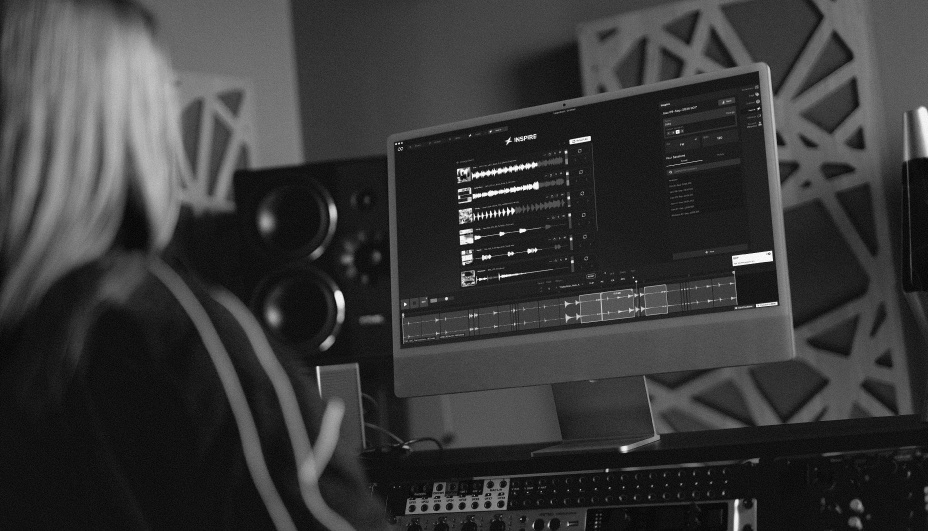
Inspire asks you to pick a genre, then assembles a set of loops that work together across drums, bass, melodic parts, and effects. It's meant as raw material rather than a finished track: you can swap out any layer, regenerate sections, and keep only what you like. Inspire sessions are saved to your Loopcloud account, so you can reopen them on another computer.
Listen: sample suggestions based on your mix
Listen is a plugin you place on a channel in your DAW, usually the master bus. It sends the audio of your track to Loopcloud, which returns loops that complement what you've already got. You can narrow the results with genre, instrument, and other filters, or leave them open for less predictable suggestions. Results update as the mix changes and appear in their own tab in Loopcloud, ready to drag into your session. Loopmasters says it works in Ableton Live, Logic, FL Studio, and other DAWs.
Effects, MIDI auditioning, and a smarter library
- Five new effects in Loopcloud's built-in processing: TranceGate, Looper, Utility, Chorus, and Bitcrush
- New MIDI audition features, so samples and presets can be previewed against your MIDI input
- 2,000 new Flip Instrument presets
- A Smart Library that automatically tags your downloaded and imported sounds by tempo, key, genre, mood, and instrument, with offline mode for downloaded content
Loopcloud's existing tools carry over, including in-app chopping, pitching, and time-stretching, plus the Loopcloud DRUM and Loopcloud PLAY instrument plugins (VST, VST3, and AU).
Mobile app
Loopcloud 8 also introduces a mobile app for iOS and Android. It's a browsing and syncing companion rather than a production tool: you can search the catalogue, save sounds, and review Inspire sessions away from the studio, and anything you save shows up in your library on desktop. At the time of writing, the official features page lists the app as coming soon.
Pricing and availability
Loopcloud 8 is available now on Loopcloud's credit-based subscription, with the Artist plan starting at $10.95 per month. New users can try it free for 14 days without a credit card. Full details are on the official Loopcloud 8 features page.
Why it matters
Sample libraries have grown so large that finding the right loop often takes longer than using it. Inspire and Listen both aim at that problem from different ends, one by giving you a coherent starting set and the other by matching sounds to a track already in progress. Whether the suggestions are useful will come down to taste, but the time-saving pitch is clear.
Images in this article are from Loopmasters.